
YouTube is the second biggest search engine in the world and one of the cheapest places to buy attention. A good video ad can reach the exact people who want what you sell, often for a few cents a view.
But running YouTube ads well takes more than uploading a video and pressing go. You need to plan, find the right audience, make an ad people watch, launch it cleanly and track what works.
The right YouTube advertising tools make each of those steps easier. Here are the 10 best ones for 2027, what they do, what they cost and where each one fits.
What YouTube Advertising Tools Do
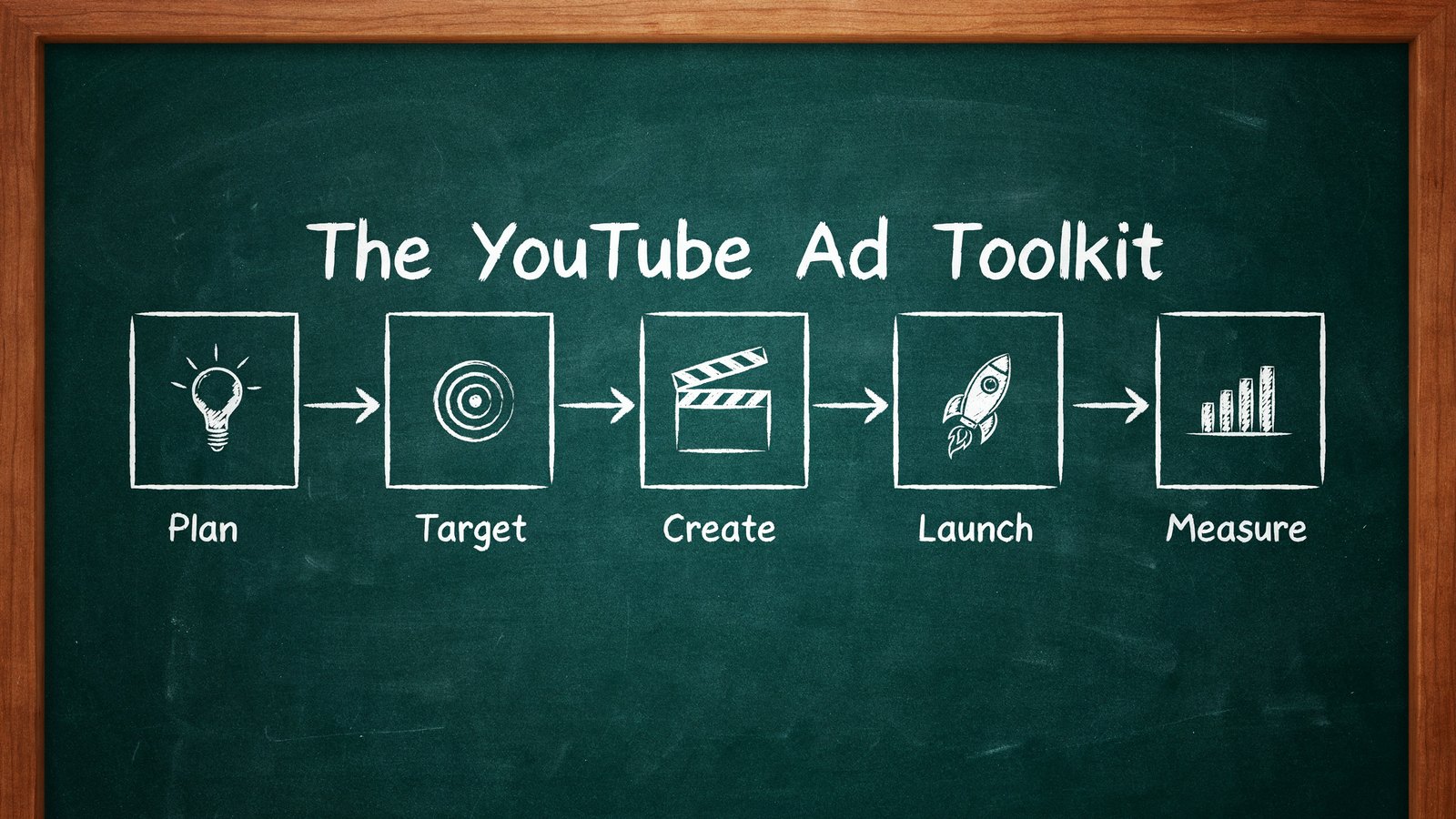
Every YouTube campaign goes through the same five stages. Different tools help at different stages.
- Plan. Find what your audience searches for and watches.
- Target. Pick the channels, videos, keywords and audiences where your ad will show.
- Create. Make a video ad that hooks viewers in the first five seconds.
- Launch. Set up and manage your campaigns in Google Ads.
- Measure. Track views, clicks and sales so you know what to keep and what to cut.
You don't need all ten tools. Most advertisers do great with one tool for each stage. The list below shows you which ones are worth your time.
Quick Comparison
| Tool | Stage | Starting Price |
|---|---|---|
| TubeTarget | Target | $5.58 a month paid yearly |
| Google Ads | Launch | Free to use, you pay for ads |
| Google Ads Editor | Launch | Free |
| Google Keyword Planner | Plan | Free with a Google Ads account |
| Vidko | Create | $5.58 a month paid yearly |
| CapCut | Create | Free, Pro $19.99 a month |
| AdCreative.ai | Create | Free trial, then paid plans |
| Google Analytics 4 | Measure | Free |
| Looker Studio | Measure | Free |
| YouTube Studio | Measure | Free |
1. TubeTarget
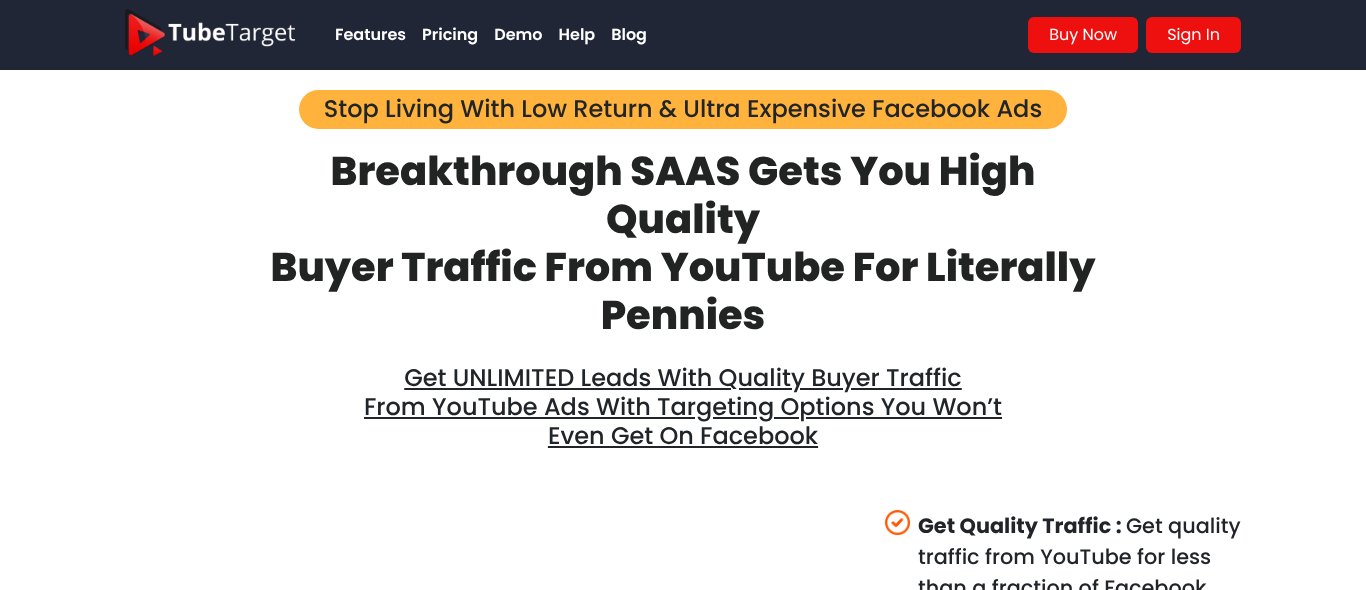
TubeTarget solves the hardest part of YouTube advertising, which is choosing where your ad shows. Instead of letting Google spread your budget across millions of random videos, TubeTarget helps you find the exact channels and videos your buyers already watch.
Its Channel Finder, Video Finder and Keyword Finder dig up monetized channels and videos in your niche, along with views and other details so you can pick the best ones. The Video Analyzer shows what makes a video worth targeting. Then you export your list as a CSV and import it straight into Google Ads as placements.
This is how you get cheap, targeted clicks. When your ad appears on a video about the exact problem you solve, the viewer is already interested. TubeTarget also includes training that walks you through running YouTube ads step by step, even if you've never done it before.
Best for. Small businesses, affiliates, agencies and ecommerce sellers who want targeted YouTube traffic without wasting budget on random placements.
Price. $5.58 a month, paid yearly ($67 a year), or $6.99 month to month, with a 30 day refund and 24/6 chat support.
Pros
- Finds the exact channels and videos your buyers watch.
- Exports placement lists ready for Google Ads.
- Keyword and video research in the same place.
- Training included for beginners.
Cons
- Works alongside Google Ads, not instead of it.
- You still need to make the ad video yourself.
2. Google Ads
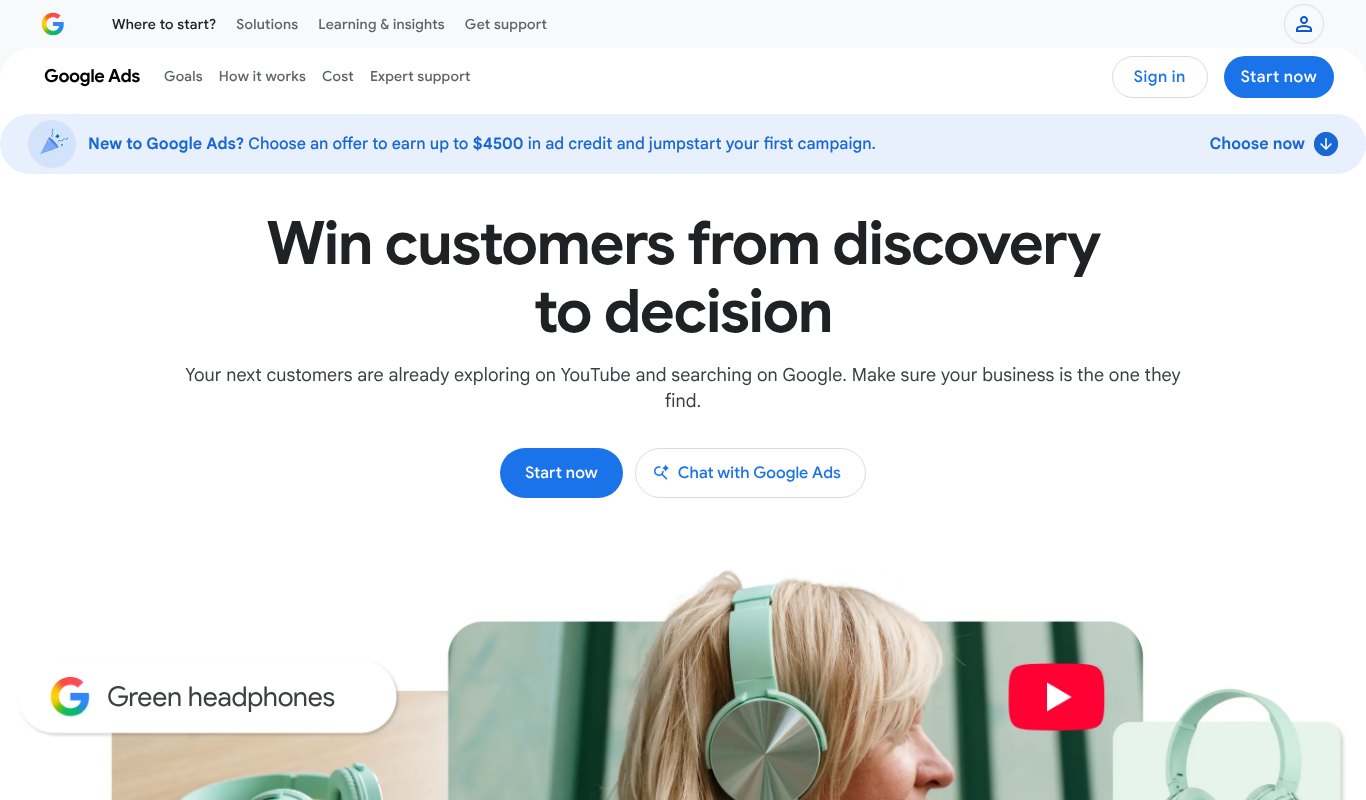
Every YouTube ad runs through Google Ads. It is where you create campaigns, set budgets, choose ad formats like skippable in-stream, bumper and in-feed ads, and pick your targeting.
Video campaigns can aim for views, reach or conversions, and Demand Gen campaigns let you show video and image ads across YouTube, Discover and Gmail together. Google's AI handles bidding, but the targeting choices you make still matter a lot.
Best for. Everyone. You can't run YouTube ads without it.
Price. Free to use. You only pay for your ads, and you set the daily budget yourself.
Pros
- Direct access to YouTube ad inventory.
- Many ad formats and goals.
- Powerful targeting and smart bidding.
Cons
- The interface can overwhelm beginners.
- Broad default settings can waste budget if you don't narrow them.
3. Google Ads Editor
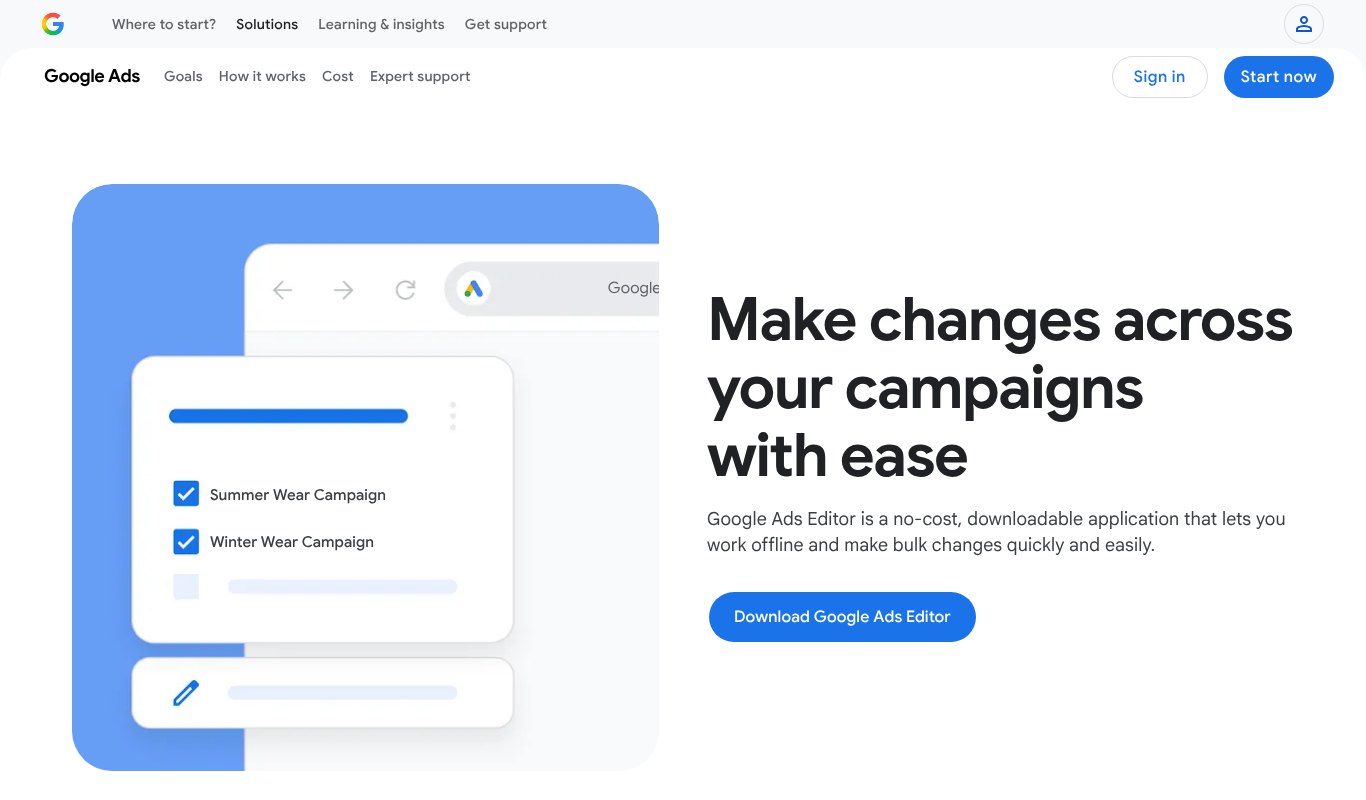
Google Ads Editor is a free desktop app for managing campaigns in bulk. You download your account, make changes offline and push them all live at once.
It is a huge time saver when you add hundreds of placements from TubeTarget, copy campaigns, or update many ads at the same time.
Best for. Advertisers with several campaigns or long placement lists.
Price. Free.
Pros
- Bulk edits in minutes.
- Works offline.
- Easy to copy and paste campaigns.
Cons
- Takes a little time to learn.
- Easy to make big mistakes quickly, so review before posting changes.
4. Google Keyword Planner
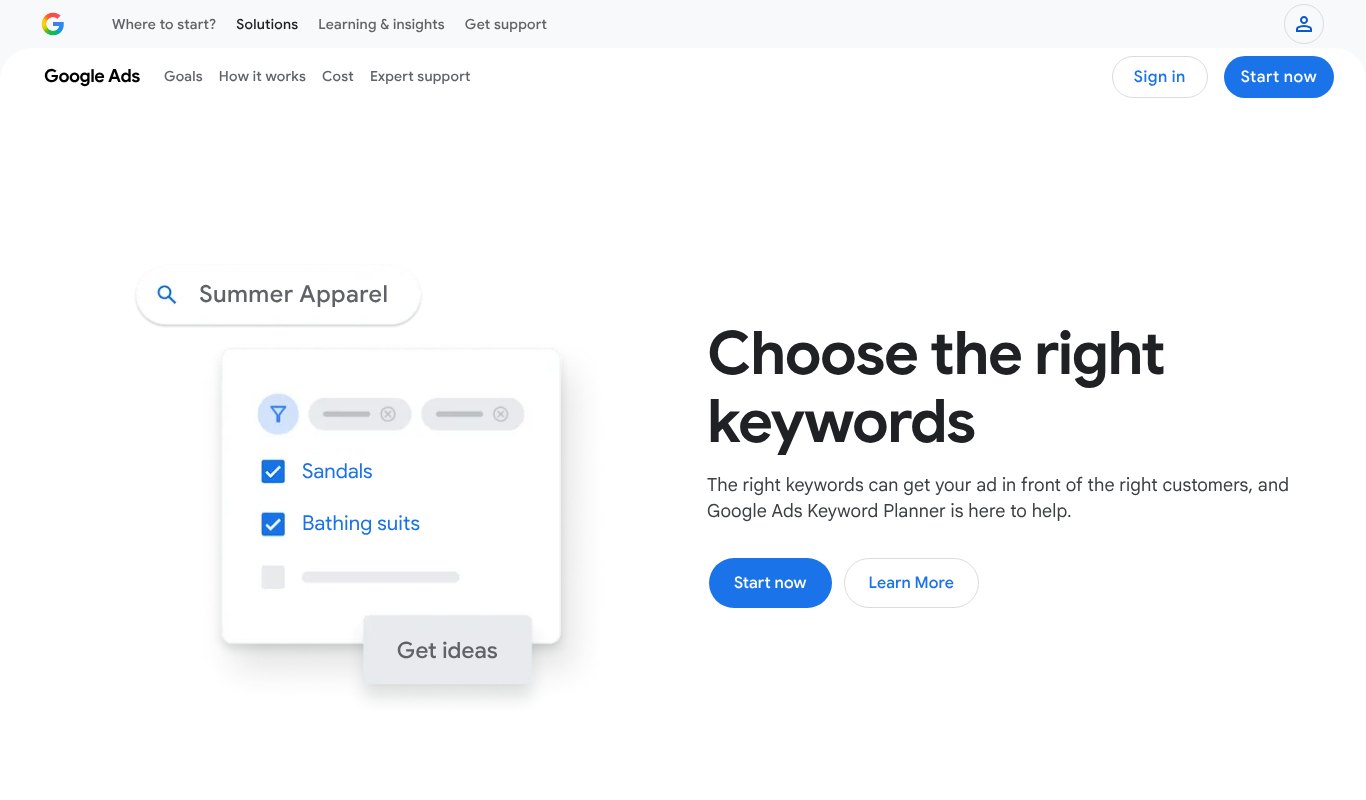
Keyword Planner shows you what people search for and how often. For YouTube ads, it helps you find the topics and phrases your audience cares about.
Use those keywords for keyword targeting in video campaigns, or as ideas for which channels and videos to look for in TubeTarget.
Best for. Planning campaigns and finding topics your buyers care about.
Price. Free with a Google Ads account.
Pros
- Real Google search data.
- Shows trends and seasonality.
- Good starting point for targeting ideas.
Cons
- Volume numbers are ranges unless you spend on ads.
- Built for search, so YouTube data is indirect.
5. Vidko

Vidko is an AI video platform from Teknikforce, the same company that makes TubeTarget. It brings many top AI video models into one workspace, so you can create clips, B-roll, Shorts and intros from text or images.
For YouTube advertisers, it is a fast way to make ad videos and test several versions without a film crew. Try different hooks and styles, then keep the ones that perform best.
Best for. Advertisers who need fresh ad videos fast and on a budget.
Price. $5.58 a month, paid yearly ($67 a year), or $6.99 month to month.
Pros
- Many AI video models in one place.
- Quick to test new ad ideas.
- Low flat price.
Cons
- AI clips may need light editing for a polished ad.
6. CapCut
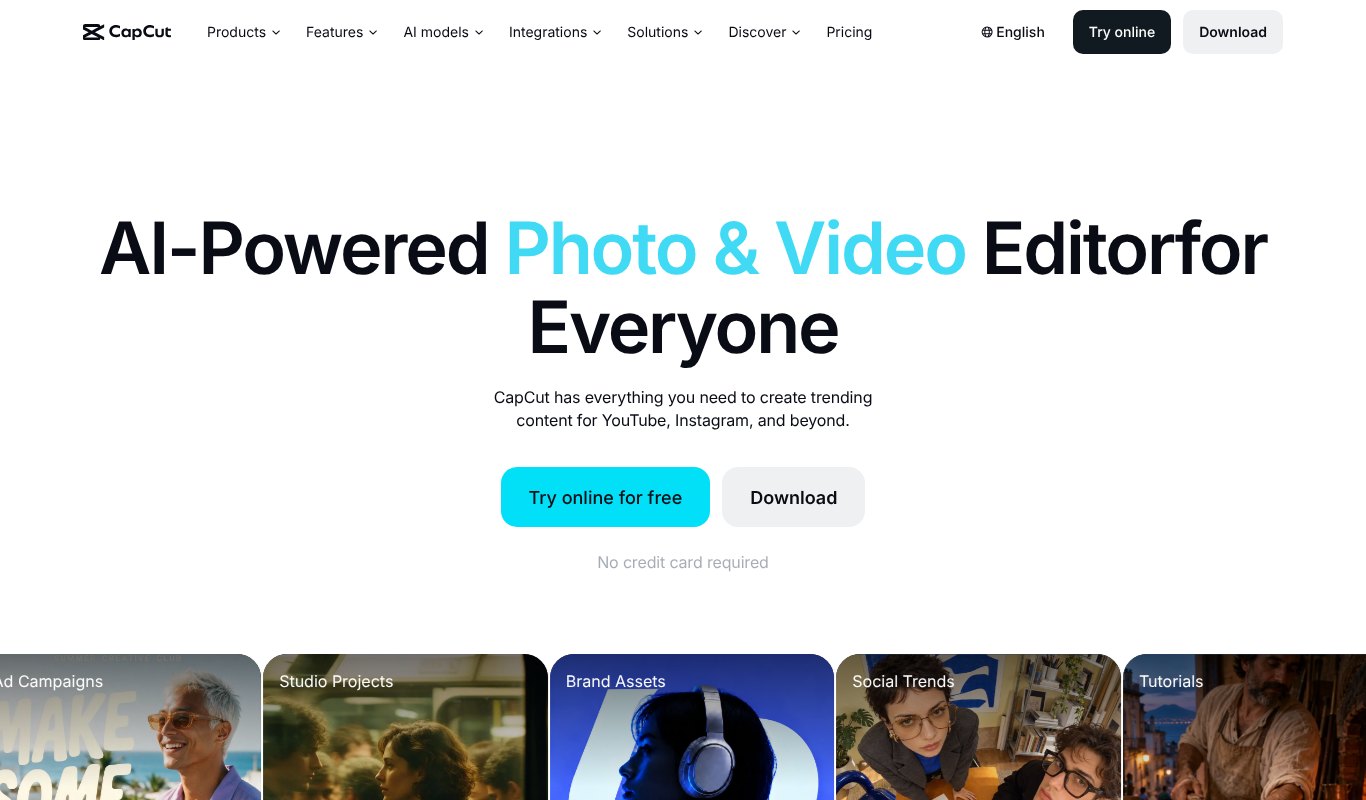
CapCut is a popular video editor for desktop, web and mobile. It is great for turning raw footage or AI clips into a finished ad with captions, music, transitions and on-screen text.
Auto captions are especially useful, because many people watch with the sound off at first. Templates make it easy to keep a consistent look across ads.
Best for. Editing ad videos with captions, text and music.
Price. Free plan available. Pro is $19.99 a month.
Pros
- Easy to learn.
- Strong free plan.
- Auto captions and templates.
Cons
- Best features need Pro.
- Check music and template licenses before using them in ads.
7. AdCreative.ai
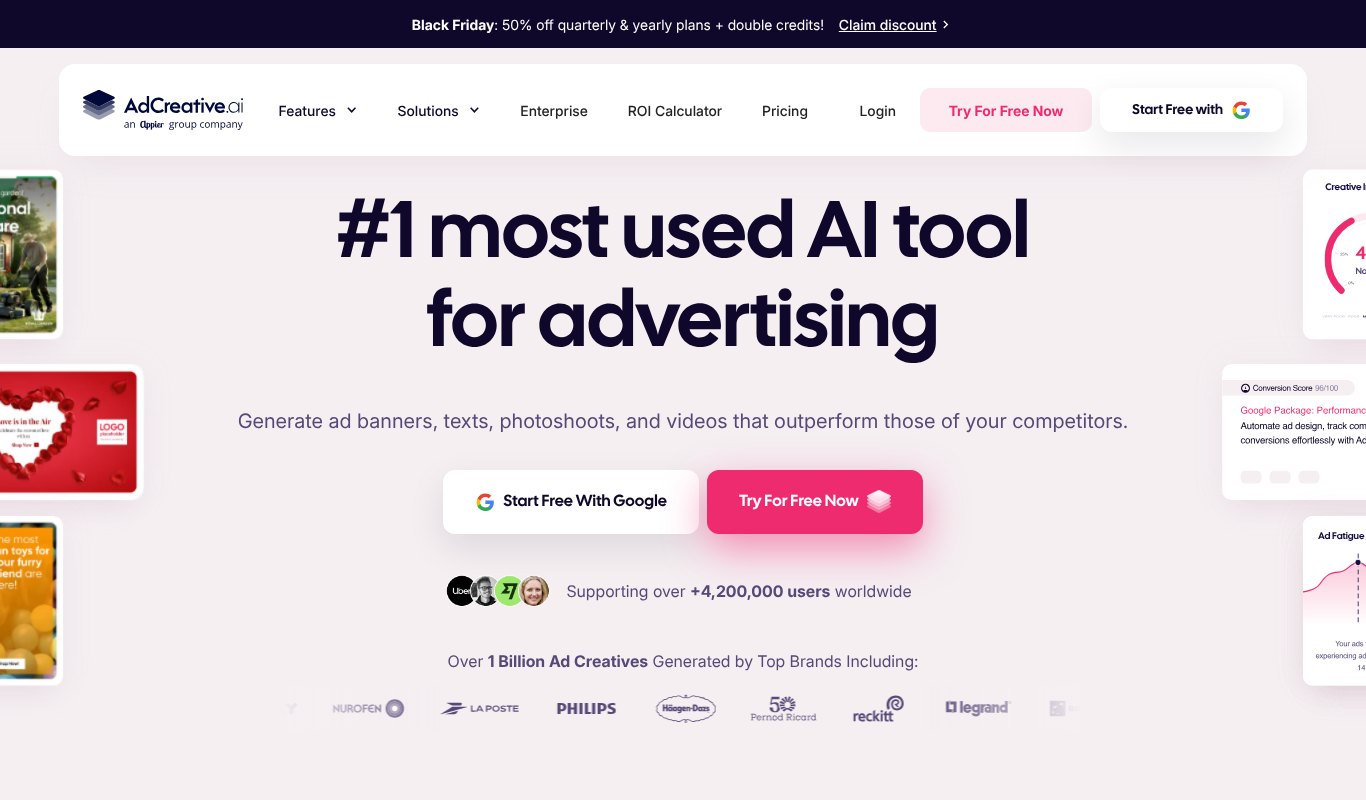
AdCreative.ai uses AI to generate ad creatives, including banners, ad copy and short video ads. It also scores creatives to predict which ones are likely to perform better.
It is useful when you run ads on several platforms and need many variations quickly.
Best for. Teams that need lots of ad variations across platforms.
Price. Free trial. Paid plans are billed by credits, from about $39 a month, with a discount if you pay yearly.
Pros
- Fast creative generation.
- Creative scoring.
- Works for many ad platforms.
Cons
- Credit based pricing adds up.
- Results can look generic without editing.
8. Google Analytics 4
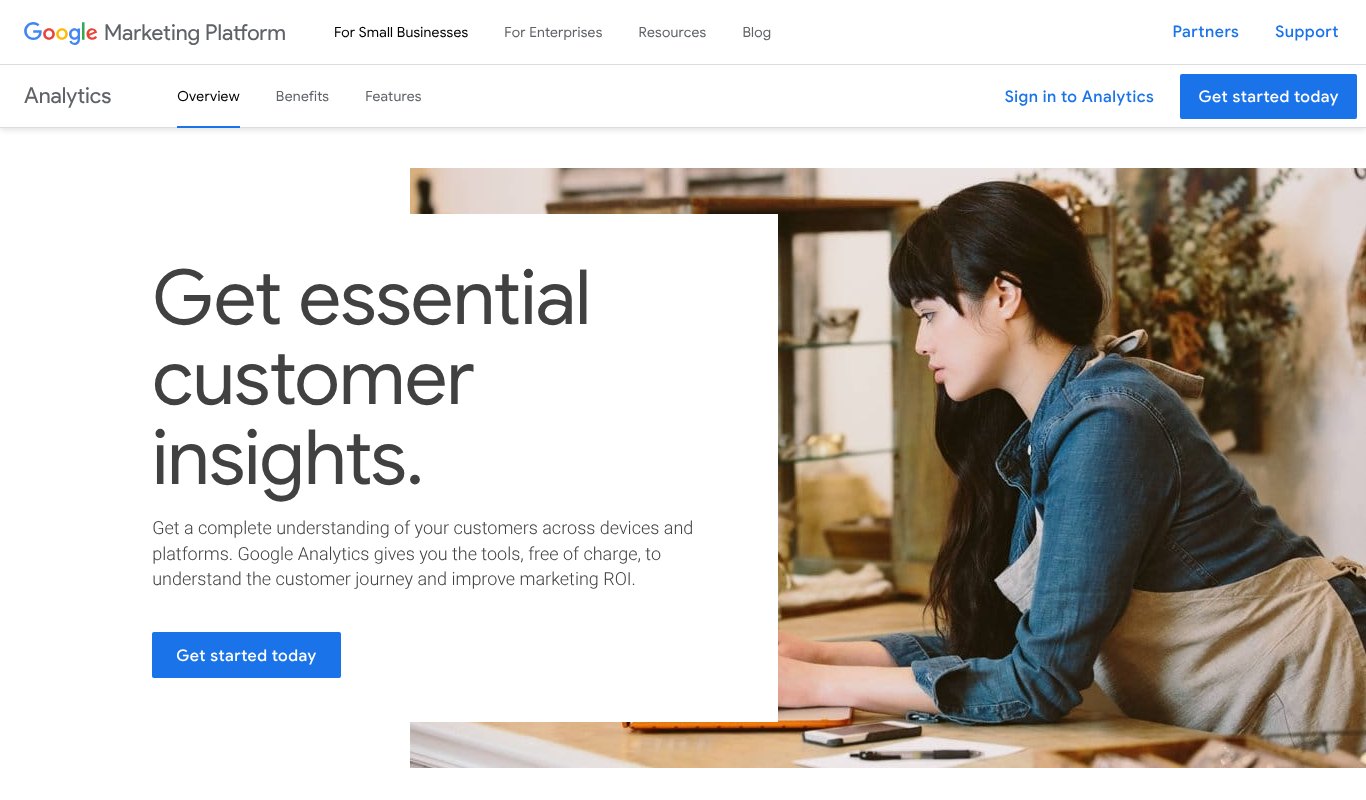
YouTube tells you who watched. Google Analytics 4 tells you what they did next. Link it to Google Ads and you can see which ads bring visitors who sign up, buy or stay on your site.
Set up conversions for your key actions, like purchases or leads, so Google Ads can optimize toward them.
Best for. Tracking what viewers do after they click your ad.
Price. Free.
Pros
- Free and powerful.
- Links directly with Google Ads.
- Tracks real business results.
Cons
- Setup takes some care.
- Reports can feel complex at first.
9. Looker Studio
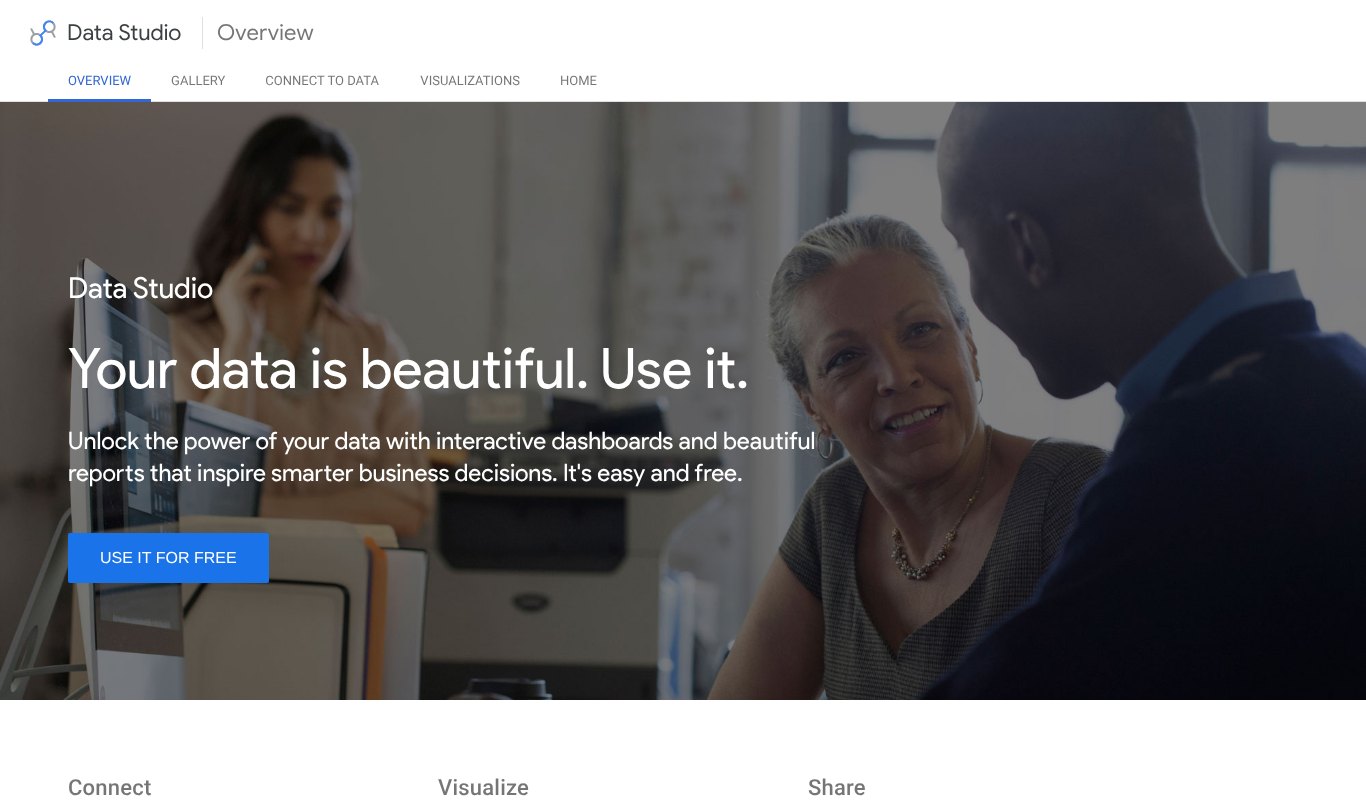
Looker Studio, formerly Google Data Studio, turns your Google Ads and Analytics data into clear dashboards. You can build one report that shows views, clicks, cost and sales together.
It is perfect for agencies that report to clients, or for anyone who wants a quick weekly view of what their ads are doing.
Best for. Simple dashboards and client reports.
Price. Free.
Pros
- Free, shareable dashboards.
- Connects to Google Ads and GA4.
- Many ready templates.
Cons
- Some third party connectors cost extra.
10. YouTube Studio
YouTube Studio is the free dashboard for your own channel. When your ads run as videos on your channel, Studio shows you audience retention, so you can see exactly where people stop watching.
That one chart is gold for improving ads. If most viewers leave at second four, your hook needs work. It also shows which ads bring new subscribers.
Best for. Improving your ad videos by seeing where viewers drop off.
Price. Free.
Pros
- Retention charts for every video.
- Shows subscriber and audience data.
Cons
- Only covers your own channel.
How to Build Your YouTube Ad Toolkit
You don't need everything at once. Here is a simple starting setup that works for most small businesses.
- Plan with Google Keyword Planner.
- Target with TubeTarget to find the best channels and videos.
- Create with Vidko or CapCut.
- Launch in Google Ads, using Google Ads Editor when lists get long.
- Measure with Google Analytics 4 and YouTube Studio.
That whole stack costs less than $10 a month on top of your ad budget, because most of it is free. Add Looker Studio once you want clean weekly reports.
Why Placement Targeting Saves So Much Money
By default, Google shows your ad wherever it thinks it might work. Sometimes that's great. Often it means your ad plays before kids' cartoons, music videos or random clips that have nothing to do with your offer.
Placement targeting flips that around. You choose the exact channels and videos, so every view comes from someone already watching content about your topic. Clicks get cheaper, and the people who click are far more likely to buy.
To learn more about picking the right viewers, see our guide on how to target the right audience with YouTube ads. And to find the best channels, see our list of the best YouTube channel finder tools.
Tips for Better YouTube Ad Results
- Hook in five seconds. Show the problem or the result right away, before the skip button appears.
- Talk to one person. Ads that feel like a friend explaining something beat polished commercials.
- Add captions. Many people watch without sound at first.
- Use a clear call to action. Tell viewers exactly what to do next.
- Test two or three versions. Small changes to the hook can double your results.
- Exclude bad placements. Check where your ads ran each week and remove the duds.
Want to see what your competitors are running? Our list of the best YouTube ad spy tools covers the top options.
How Much Do YouTube Ads Cost?
There is no fixed price. You set a daily budget, and Google charges you based on views, clicks or conversions depending on your campaign goal.
Many small advertisers start with $10 to $20 a day. With tight targeting, views often cost just a few cents. The tools on this list help you get more from every dollar, whether you spend $300 a month or $30,000.
Mistakes to Avoid
Letting Google pick every placement. Broad targeting can burn your budget on viewers who will never buy.
Running one ad forever. Ads wear out. Refresh your creative every few weeks.
Not tracking conversions. If you only look at views, you can't tell which ads make money.
Skipping the hook. The first five seconds decide whether anyone sees the rest.
Giving up too fast. Let a campaign gather data for a week or two before you judge it.
FAQ
What is the best YouTube advertising tool?
Google Ads is required to run ads, but the tool that makes the biggest difference to results is a placement finder like TubeTarget, because it decides who sees your ad.
Are there free YouTube advertising tools?
Yes. Google Ads Editor, Keyword Planner, Google Analytics 4, Looker Studio and YouTube Studio are all free. CapCut also has a free plan.
Do I need to make my own video ads?
Yes, but you don't need a film crew. AI tools like Vidko and editors like CapCut let you make good ads from your laptop.
Can beginners run YouTube ads?
Absolutely. Start with a small daily budget, target specific channels and videos, and use tools like TubeTarget that include step by step training.
How do I know if my YouTube ads are working?
Set up conversion tracking in Google Ads and GA4. Then look at cost per conversion, not just views or clicks.
Final Thoughts
The best YouTube advertising tools help at every stage, from planning and targeting to creating, launching and measuring. Most of them are free, and the paid ones cost less than a single day of wasted ad spend.
If you want your ads to show on the exact channels and videos your buyers watch, try TubeTarget. Get targeted YouTube traffic for pennies, not dollars.